Everything Panoloom does.
Capture more of a place, bring it back to life, and share it so others can step inside.
Capture
Guided capture
Clear prompts tell you when to move, slow down or hold steady, so the seams disappear.
See it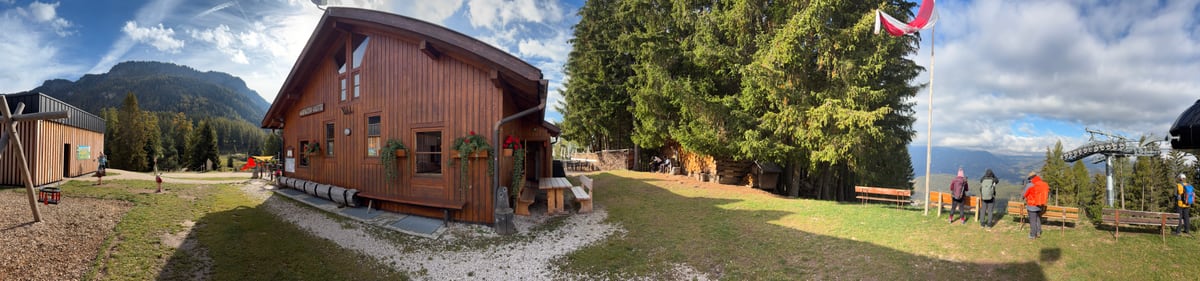
180° and 360° panoramas
Capture half the horizon or all of it, from the sky overhead to the ground at your feet. Wide, vertical, Half Sphere and Mosaic modes too.
Open a 360° panorama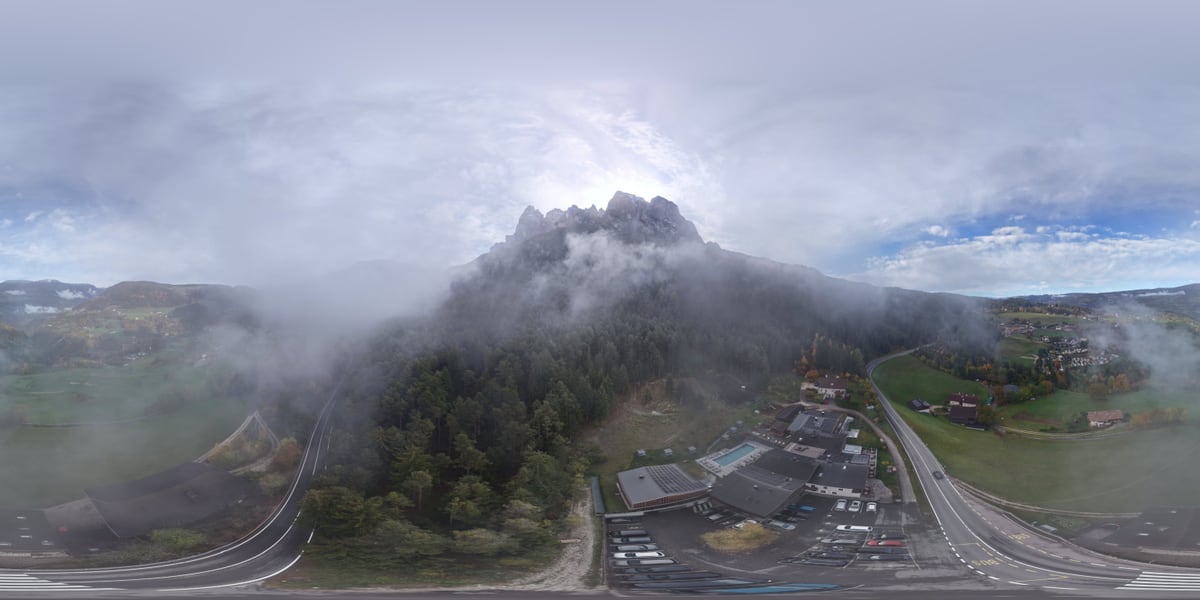
Explore


Depth Motion
On supported iPhones, near and far separate into a gentle parallax video.

Bring it to life
Live Panorama
Choose one area to move, like water or passing mist. Everything else holds still.
See itKeep the sound of the place
Record a few seconds of ambient sound and keep it with the image. Add Sound Points that play from a direction as you look around.
Hear the demo
Create
Cinematic Studio
Pick a preset or place your own keyframes, and export a smooth camera move through your panorama as a video.
See it
Postcards
Frame a view as a postcard with a short note, as a still or a short video.

Smart Repair
Checks for a tilted horizon, uneven exposure and blur, plus seams and ghosting when the original frames are available. Safe fixes run on your iPhone, you compare before and after, and the original is kept.

Share
Walkthroughs and tours
Link panoramas with hotspots so someone can walk from one place to the next. Pro tours can also be exported as an offline web page.
Take the tour
Panoloom Moments
Coming soon: share a link that opens in any browser. You decide who can open it and for how long.
How sharing will work